
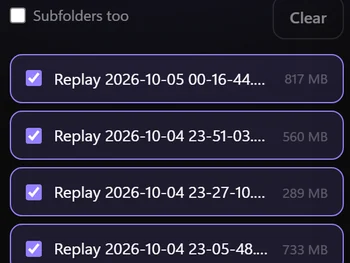
Your replays, edited.
Video-editing software for streamers. It turns your OBS replays into vertical Shorts, with Hinglish captions, on your own PC.
7 days free · No card needed


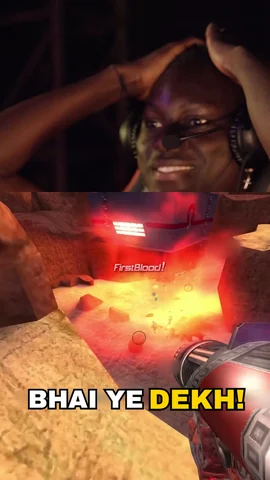
Tick a night of replays. Press Start.
Your PC stays awake until the batch is done. Go to bed.
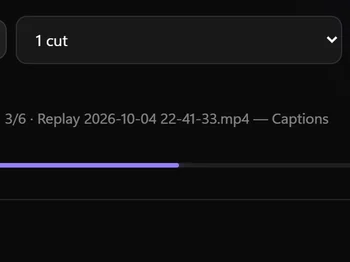
Watch every step
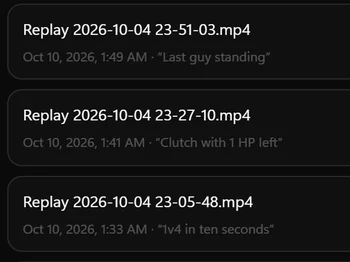
Shorts, already titled
See a replay become a Short.
Hook, captions, framing. Done for you.
Set each look once. clipforge matches every replay to its scene.
Best moment first
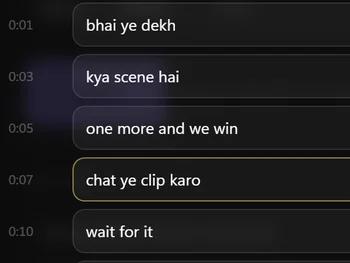
Hinglish captions
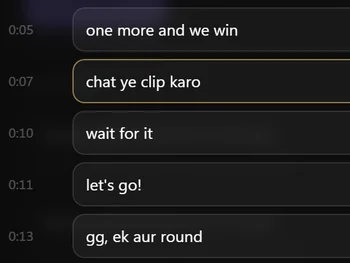
Fix any word
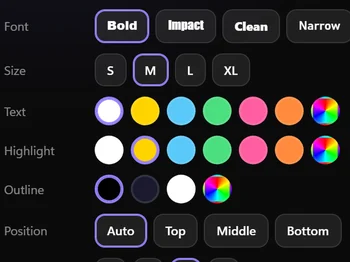
Your caption style
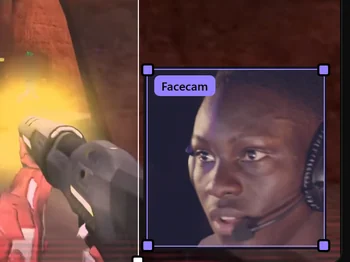
Framed for vertical
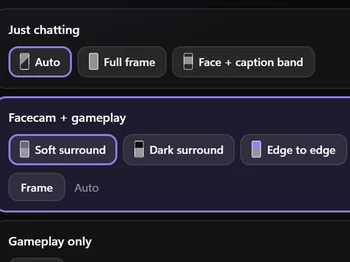
A look for every scene
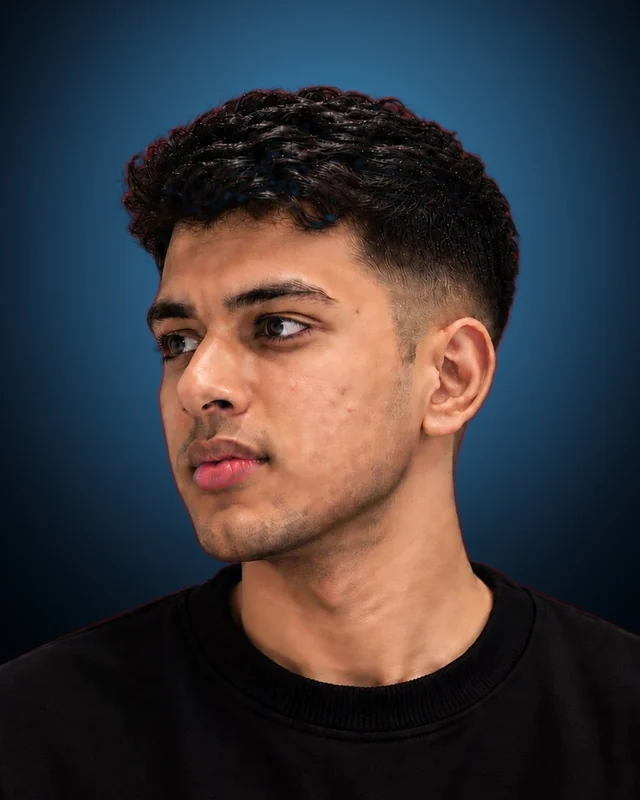
Hi, I'm Tanishq
I build clipforge on my own, in India. Streamers hit the replay hotkey all night and never get round to editing, so I made the editor do it: on your own PC, with captions in the language you actually speak.
Something off, or a feature you want? Message me from inside the app. It comes straight to me.
Tanishq Raj Mandowara · Maker of clipforge
One plan. Try it free first.
clipforge
Everything, for one PC.
₹2,590 / year
- 7 days free, no card needed
- Unlimited clips
- Renews yearly at ₹2,590. Turn it off anytime
- Taxes included. Sold through our reseller Dodo Payments
Your PC
Your videos never leave it.
- Windows
- 10 or 11 (64-bit)
- Processor
- 4 threads, 8 recommended
- Graphics
- NVIDIA GTX 1650 or better. No NVIDIA card? It still works, just slower
- Memory
- 8 GB, 16 GB recommended
- Disk
- 17 GB on any drive
- Internet
- 15 GB setup download, then online at least once every 3 days
Questions
Does it upload my videos?
No. Your videos are processed on your PC and never uploaded. clipforge goes online for setup, your account, updates and Messages.
Which games and recorders work?
Any game, and just chatting. Any MP4, MKV, MOV, FLV, TS, WebM or AVI file works, so it isn't limited to OBS.
Do I sign up on this site?
No. Download the app and create your account inside it. Your 7-day trial starts there.
How do I pay, and can I cancel?
You subscribe inside the app. Checkout opens in your browser on Dodo Payments, our reseller and Merchant of Record, which handles the payment, invoice and tax. It's ₹2,590 a year including taxes, renewing every year. Turn off auto-renew any time and you keep access until your paid year ends. Cancellation and Refund Policy
Can I use it on two PCs?
One PC at a time. Signing in on another PC moves your licence there, up to 3 moves in any 30 days.
What does clipforge send online?
While you're signed in, it checks your licence every few minutes. It sends your sign-in token, a scrambled ID for your PC and the app version. Signing in also sends your email and PC name. Never your videos, audio or captions. Offline, it keeps working for up to 72 hours. Privacy Policy
How long does a clip take?
On a GTX 1650, about 5 to 10 minutes for a two-minute replay, a bit less per clip in a batch. Without an NVIDIA card, a few times longer.
Windows says "Windows protected your PC". Is it safe?
Yes. clipforge is new and doesn't have a code-signing certificate yet, so Windows SmartScreen may warn you. Download it only from this site, then select More info and Run anyway.
Anything else? Write to [email protected] or use Messages in the app.